



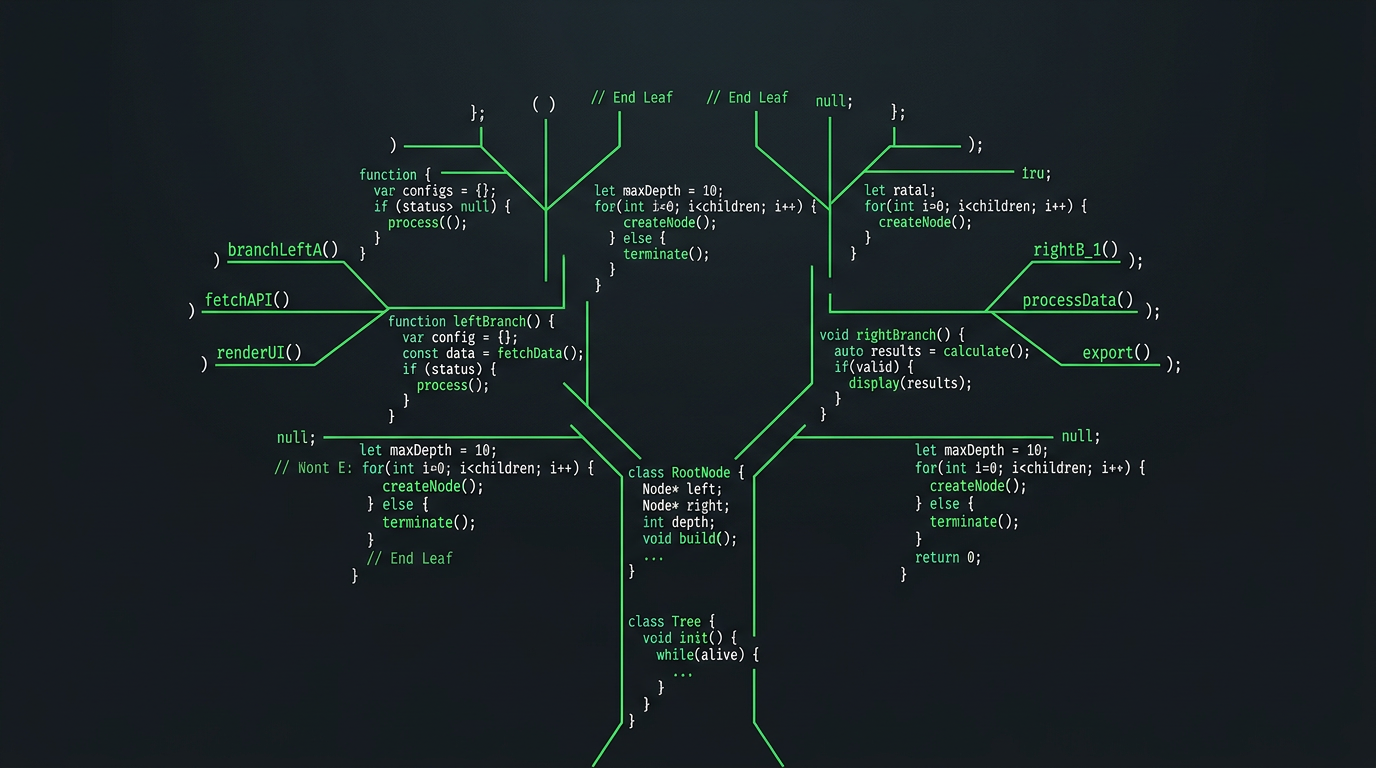
If you are just starting out as a developer, Git is the first tool you should learn before frameworks, before libraries, before anything else. Not because it is the most exciting, but because everything you build depends on it. Git is a version control system. It tracks every change you make to your code over time, lets you move backward to any previous state, and makes collaboration with other developers manageable rather than chaotic. Think of it as a time machine for your project one that never forgets anything and always lets you go back.
The Core Concepts You Need to Understand
Before running any commands, five concepts are worth understanding clearly.
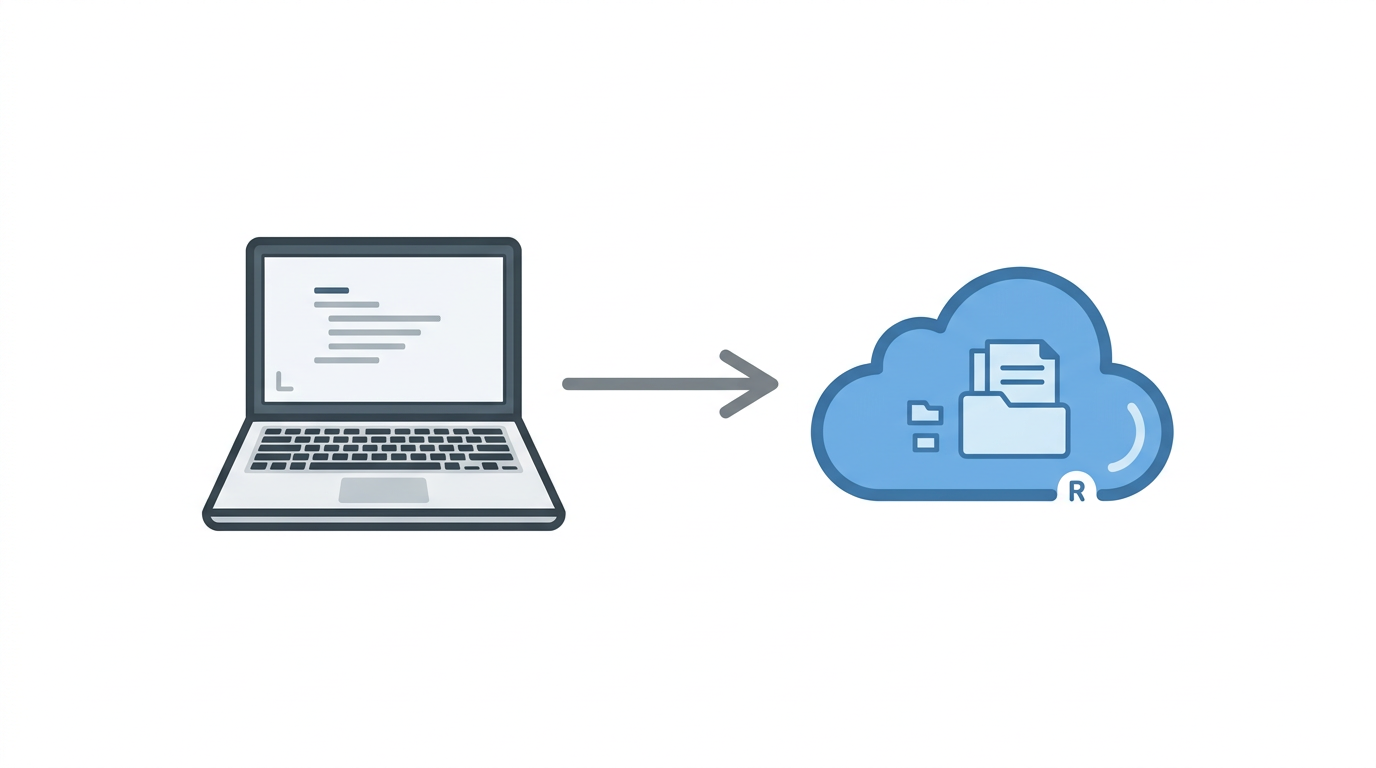
A repository is where your project lives — it stores both your code and the complete history of every change ever made to it. Your local repository sits on your machine. A remote repository lives on a platform like GitHub or GitLab and is where teams share and synchronize work.
Your working directory is simply the folder where you write and edit code.
The staging area sits between your working directory and your commit history. It is where you select exactly which changes you want to include in your next snapshot before you finalize it.
A commit is that finalized snapshot, a permanent record of your code at a specific point in time, with a message describing what changed and why.
A branch lets you work on a new feature or fix in complete isolation from your main codebase. The main branch holds stable, working code. Feature branches let you experiment without risk.
Getting Started
First, confirm Git is installed on your machine:
git --version
If it returns a version number, you are ready to go.
The Essential Commands
Initialize a new Git repository inside your project folder:
git init
Check the current state of your files what has changed, what is staged, what is untracked:
git status
Add a specific file to the staging area:
git add fileName
Commit your staged changes with a descriptive message:
git commit -m "Your commit message"
Working With Remote Repositories
Connect your local repository to a remote one on GitHub:
git remote add origin <repository-url>Push your committed code to the remote repository:
git push origin mainPull the latest changes from the remote repository before starting new work:
git pull origin main
Undoing Mistakes Safely
This is where Git earns its value most visibly. Mistakes are inevitable, Git gives you clean, controlled ways to handle them. The safest way to undo a commit, especially in a shared repository, is git revert. It creates a new commit that reverses the changes without rewriting history, meaning nobody else on the team is affected:
git revert <commit-id>To revert and push that correction to the remote:
git revert <commit-id>
git push origin main
If you need to undo multiple recent commits and you are working alone on a branch nobody else has pulled from, git reset is an option — but use it with caution, as it rewrites history:
git reset --soft HEAD~2When in doubt, git revert is always the safer choice.
Four Habits That Will Save You
Write meaningful commit messages that explain what changed and why — not just "update" or "fix." Commit small, focused changes frequently rather than large batches of unrelated work. Always pull the latest changes from the remote before starting a new session. And never commit passwords, API keys, or sensitive credentials to any repository.
Resources to Go Further
The official Git documentation at git-scm.com/doc is the most comprehensive reference available. For interactive, visual learning, learngitbranching.js.org is one of the best beginner tools in existence. GitHub Skills at skills.github.com provides structured hands-on practice. For video walkthroughs, Traversy Media's Git Crash Course and freeCodeCamp's Git for Beginners on YouTube are both excellent starting points. Git feels unfamiliar at first — every developer goes through that. But it becomes second nature quickly, and once it does, you will find it difficult to imagine working without it. Learn it early, use it consistently, and it will quietly make you a more confident and capable developer from this point forward.




.png)
