


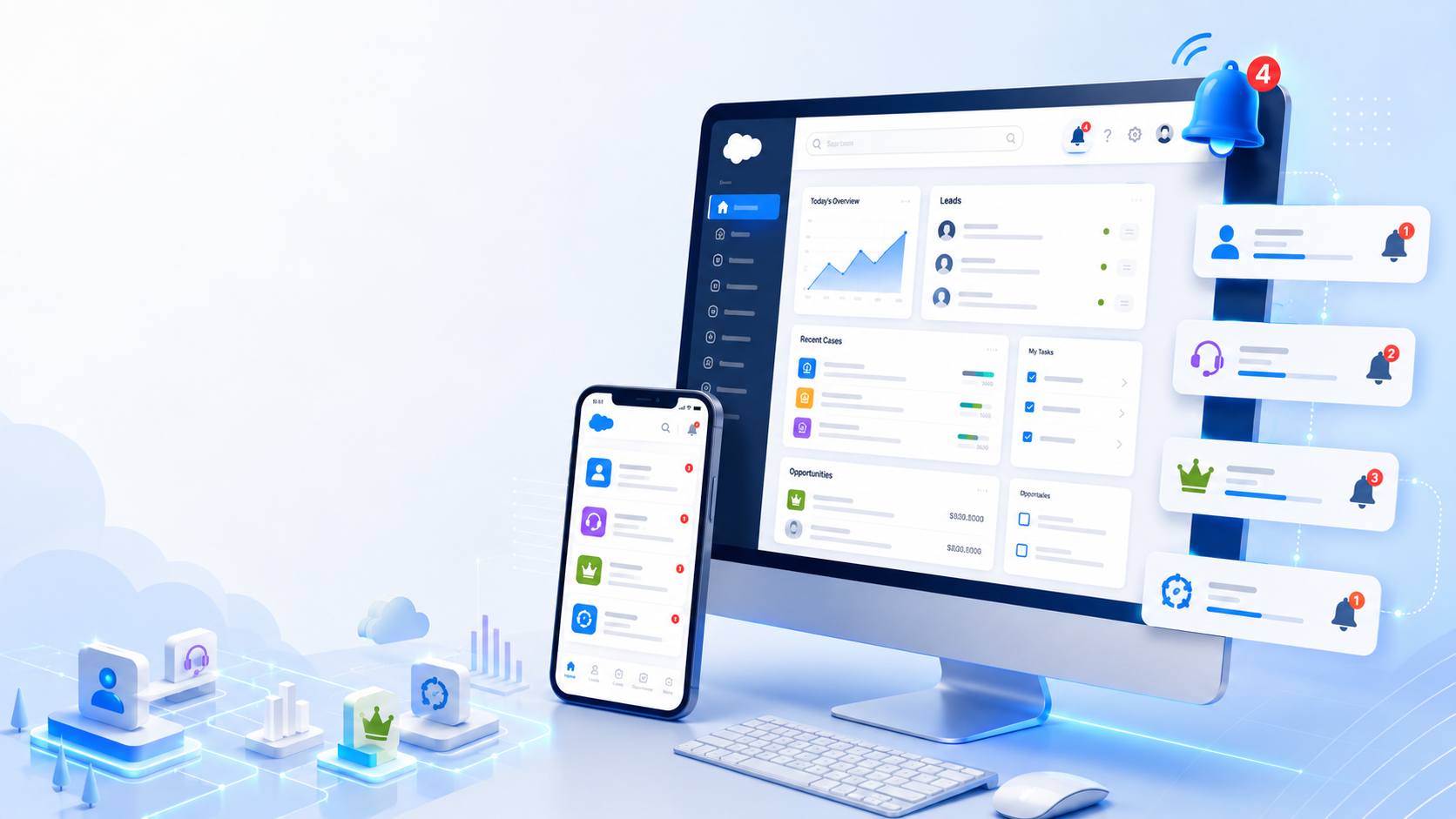
Users see notifications on mobile as well as on Desktop in salesforce. This is a great way to provide real-time notification to Sales and Services rapes about new leads, cases or updates on cases or opportunities. You can set up a new Bell/push notification just in a few steps. Here are steps to set up.
Step 1: Create the Notification Route:- You create notification route to use in process builder to route notification either to mobile app or desktop or both
Step 2: Create the Process Builder :- Process builder is to trigger notification. You define object and criteria to trigger notification. In my case i need to setup notification for the case owner whenever a new case is created. Following steps below
- Go to Setup → Process Builder → Create new :- Give Name and select Object and add relevant criteria.
- Add Immediate Action and select ‘Send custom Notification’ Action Type drop-down
Testing:- Activate process builder. Now in my case whenever a new case is created. Owner is getting push notifications on his Salesforce1 mobile app and one desktop bell icon.
Summary
Users see notifications on mobile as well as on Desktop in salesforce. This is a great way to provide real-time notification to Sales and Services reps about new leads, cases or updates on cases or opportunities. You can set up a new Bell/push notification just in a few steps. Here are steps to set up.





.png)
