



If you are new to Salesforce development, Scratch Orgs might sound confusing. Don’t worry — they are actually very easy to use once you understand the basics. This blog explains what a Scratch Org is and how to create one step by step using simple Salesforce commands.
What Is a Scratch Org? (In Simple Words)
A Scratch Org is a temporary Salesforce org created for:
- Practicing development
- Testing features
- Learning Salesforce DX
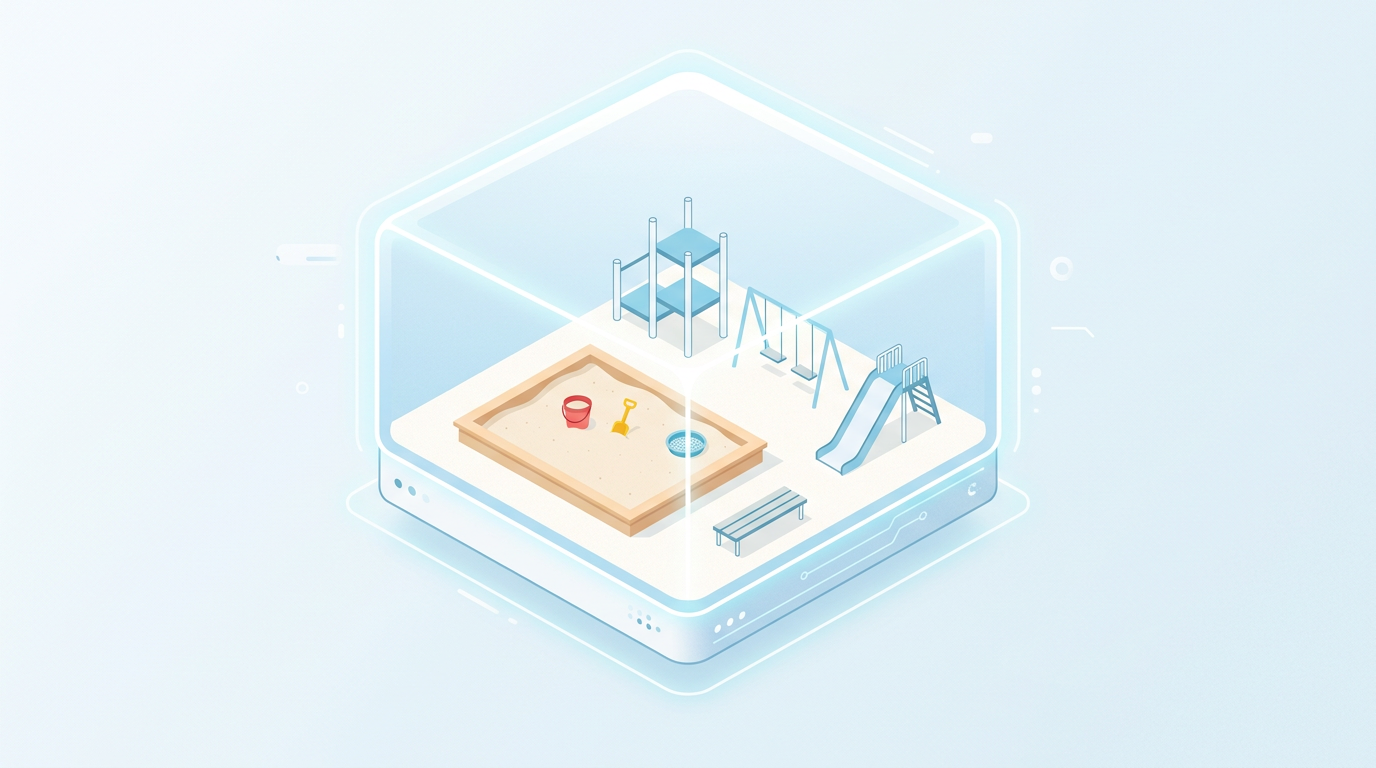
Think of it like a fresh practice playground that you can create and delete anytime.
What Is a Scratch Org? (In Simple Words)
A Scratch Org is a temporary Salesforce org created for:
- Practicing development
- Testing features
- Learning Salesforce DX
Think of it like a fresh practice playground that you can create and delete anytime.
What You Need Before Starting
Make sure you have:
- Salesforce CLI installed
- A Salesforce org with Dev Hub enabled
- Basic terminal knowledge (just copy–paste commands)
Step 1: Login to Salesforce Using CLI
Open Terminal or Command Prompt and run:
- sf login web --set-default-dev-hub
- A browser opens
- Login to Salesforce
- This org becomes your Dev Hub
Step 2: Create a Salesforce Project
Run this command:
sf project generate --name my-first-scratch-org
Go inside the project folder:
cd my-first-scratch-org
Step 3: Create Scratch Org Config File
Create this file:config/project-scratch-def.jsonAdd this simple content:{ "orgName": "My First Scratch Org", "edition": "Developer"}Step 4: Create the Scratch Org
Now run:
- sf org create scratch \
- --definition-file config/project-scratch-def.json \
- --alias MyScratchOrg \
- --duration-days 7 \
- --set-default
- New Scratch Org is created
- Alias is set
- Valid for 7 days
Step 5: Open the Scratch Org
To open the org in browser:
sf org open
Step 6: Push Code to Scratch Org (Optional)
If your project has Apex or metadata:
sf project deploy start
Step 7: Delete the Scratch Org (When Done)
When you’re finished practicing:
sf org delete scratch --target-org MyScratchOrg
Scratch Orgs are meant to be deleted, so don’t worry.
Salesforce Resources (Official)
If you’re new to Scratch Orgs and Salesforce CLI, these official Salesforce resources are highly recommended:
Salesforce CLI Installation
Learn how to install Salesforce CLI on Windows, macOS, or Linux:- https://developer.salesforce.com/tools/sfdxcli
Salesforce DX Developer Guide
Official guide explaining Salesforce DX concepts like Scratch Orgs, projects, and source-driven development:- https://developer.salesforce.com/docs/atlas.en-us.sfdx_dev.meta/sfdx_dev
Scratch Org Configuration Reference
Understand all options you can add in project-scratch-def.json:- https://developer.salesforce.com/docs/atlas.en-us.sfdx_dev.meta/sfdx_dev/sfdx_dev_ws_config.htm
Trailhead: Quick Start with Salesforce DX
Best hands-on learning module for beginners:- https://trailhead.salesforce.com/content/learn/modules/sfdx_app_dev
Enable Dev Hub in Salesforce
Step-by-step guide to enable Dev Hub in your org:- https://help.salesforce.com/s/articleView?id=sf.dev_hub_enable.htm&type=5
Salesforce CLI Command Reference
Explore all Salesforce CLI commands with examples:- https://developer.salesforce.com/docs/atlas.en-us.sfdx_cli_reference.meta/sfdx_cli_reference




.png)
