



.png)
Receive instant notifications when escalated cases encounter an unavailable owner. Stay on top of your priorities with automated emails, keeping your workflow seamless and efficient.
This blog equips you with actionable tips to:
- Alert the right people instantly when cases heat up, when the owner is on holiday.
- Keep customers in the loop with personalized emails and vital case details.
- Smoothly distribute workload with auto-assignments during vacations and holidays.
- Boost response times, satisfaction, and team efficiency.
Read the full blog for in-depth strategies.
.png)
Steps to set up the Out of Office feature in Salesforce
Salesforce Chatter Out Of Office: is a solution to seamless communication. Keep your team in the loop by setting your status when you're away. Whether it's a vacation or a quick break, ensure clarity on your availability and maintain effective collaboration.
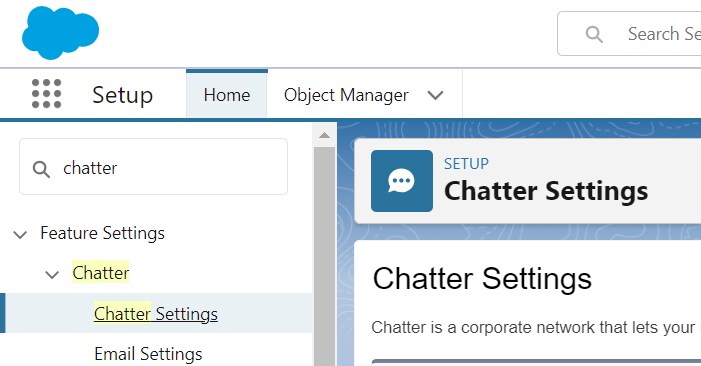
1. Go to setup >> Search for “Chatter Settings” in the Quick Find box and click on it.
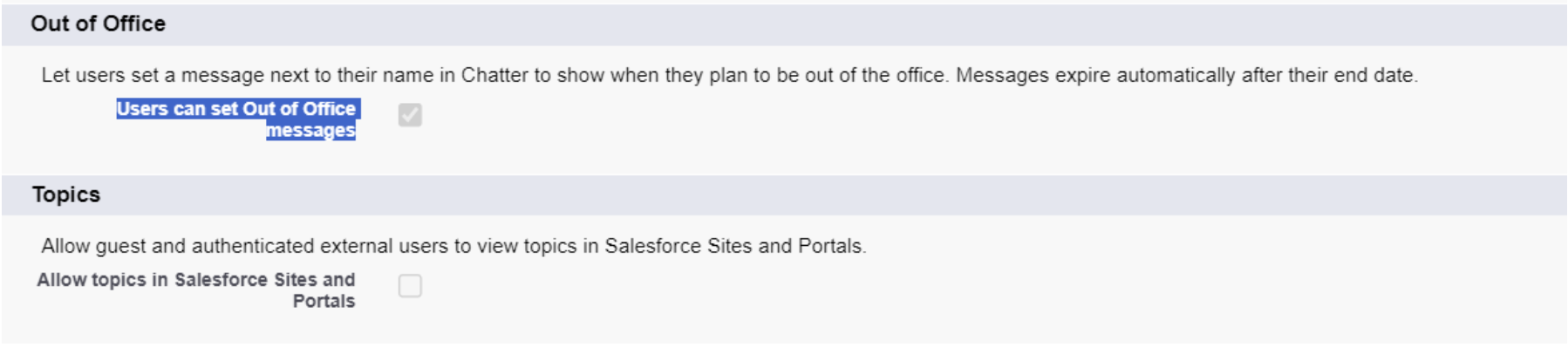
2. Now scroll to the “Out of Office” section >> check “Users can set Out of Office messages” checkbox, Click on save.
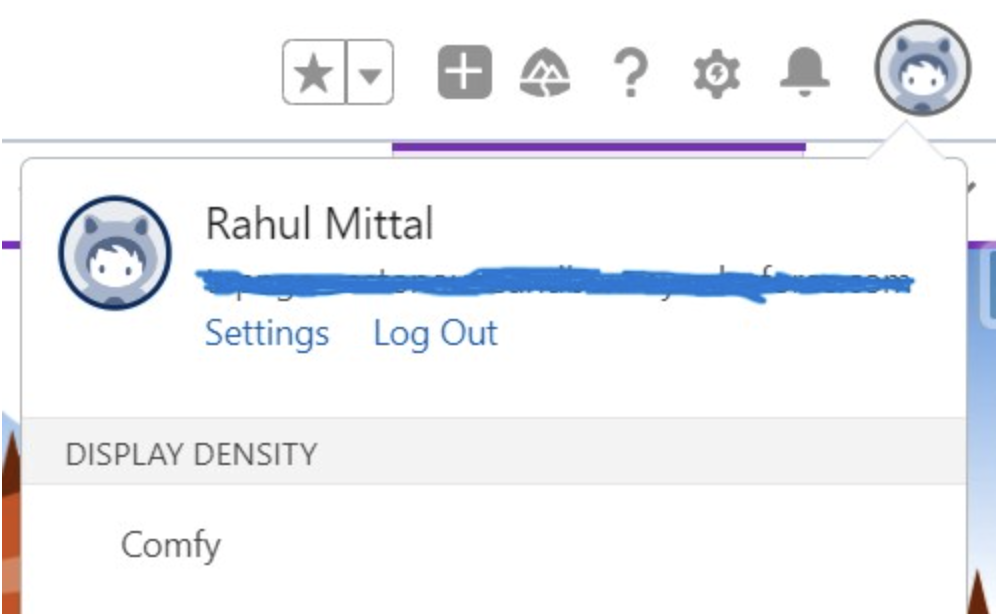
3. Now go to your profile and click on your Name.
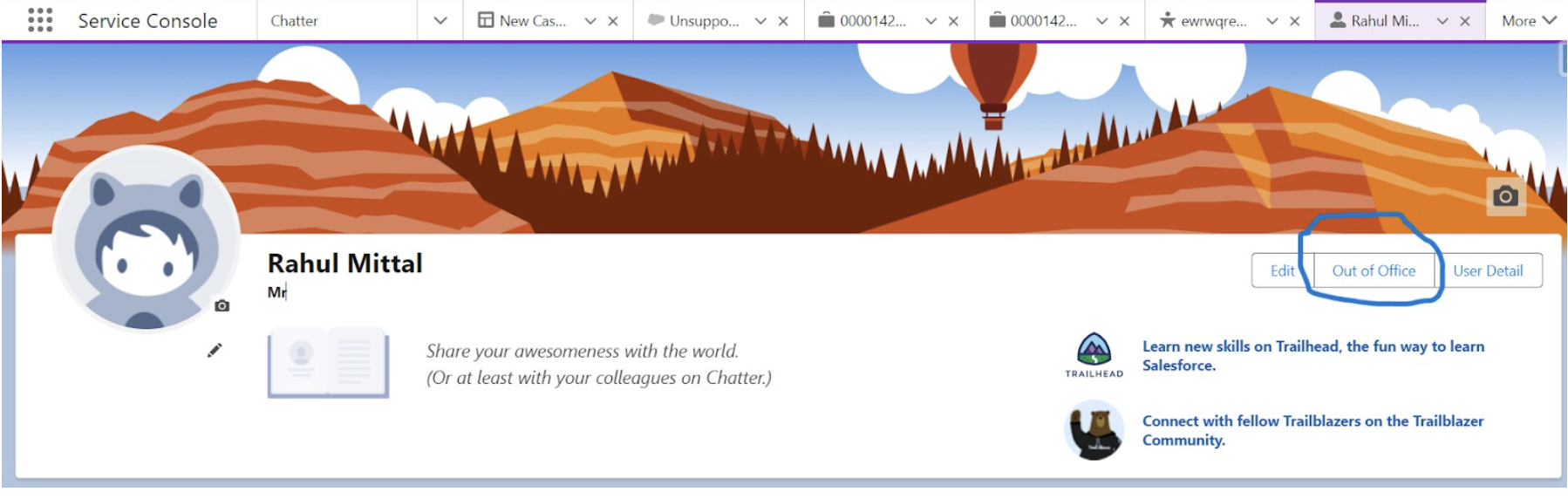
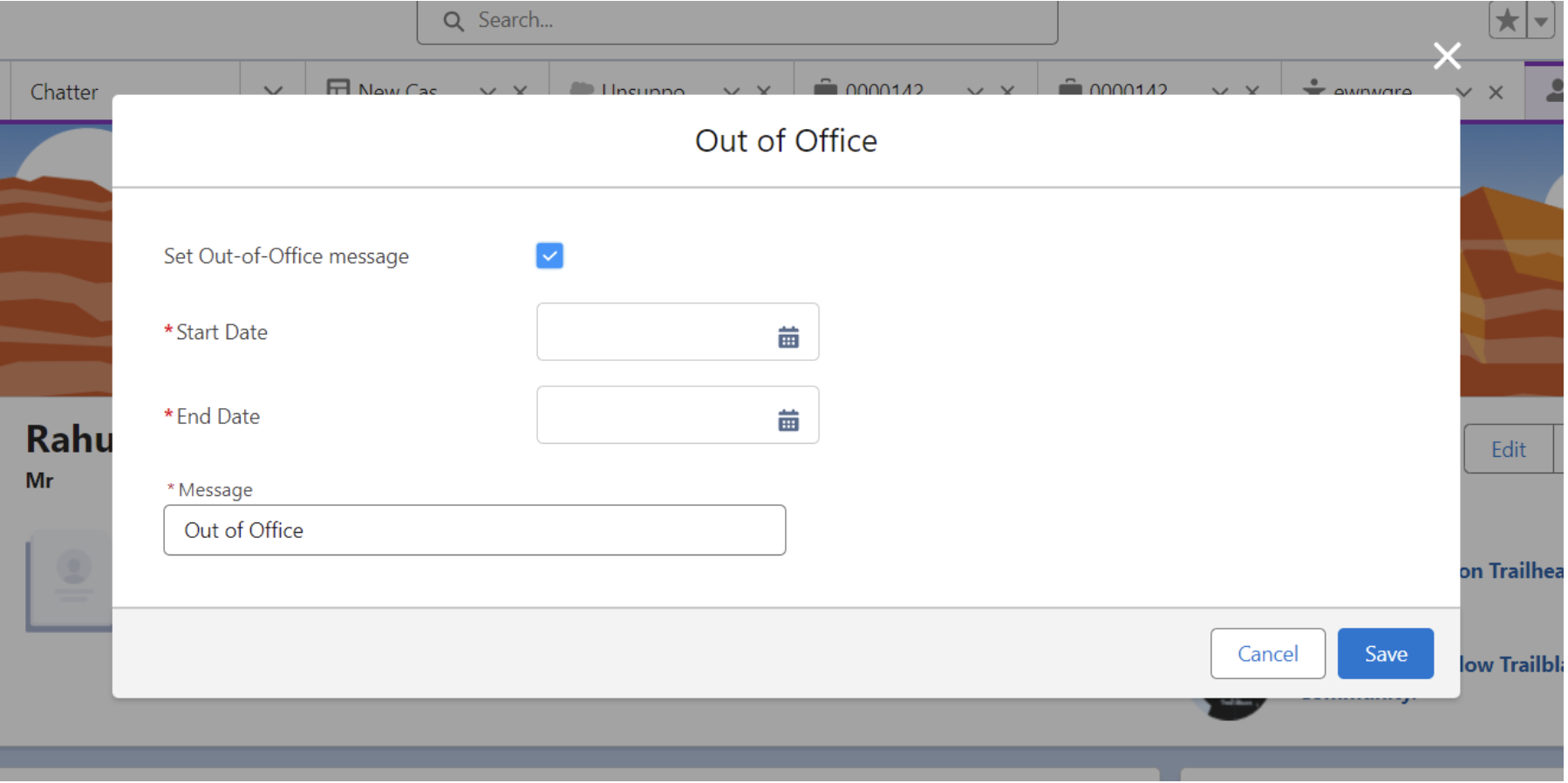
4. Click on the “Out Of Office” button on the User Detail Page.
5. Now check the “Set Out-of-Office message” checkbox and fill out other details accordingly.
6. Click on save.
Automation for Email Notifications
Now for Automation to send email notification when the escalated owner is Out Of Office, we will use the salesforce automation tool flow builder , Email template and Email alert. Follow the steps below.
Step1: Email Template : Use email templates to save time and standardize email sent by you or others in your organization. Use merge fields or enhanced letterhead if you need them.
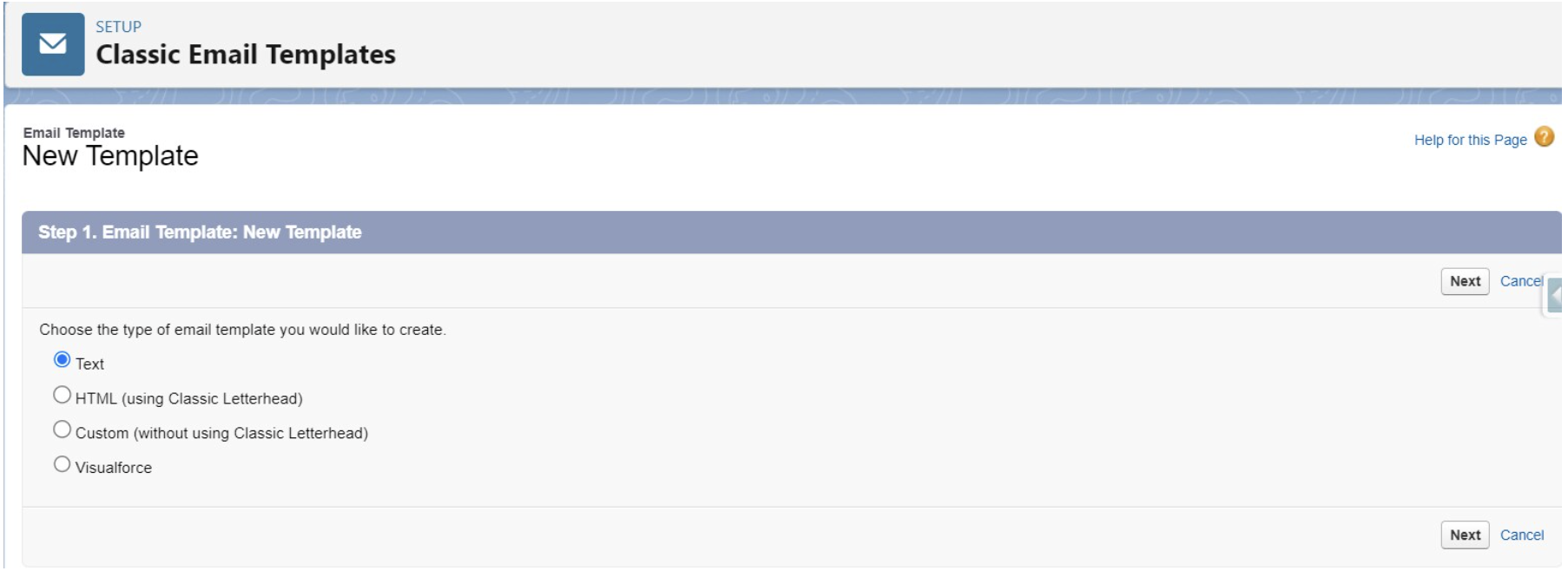
a) Search “Classic Email Template” in the Quick find box and click on it.
b) Click on “New Template” and select template type and click on “next”.
c) Fill required information and Email Body.
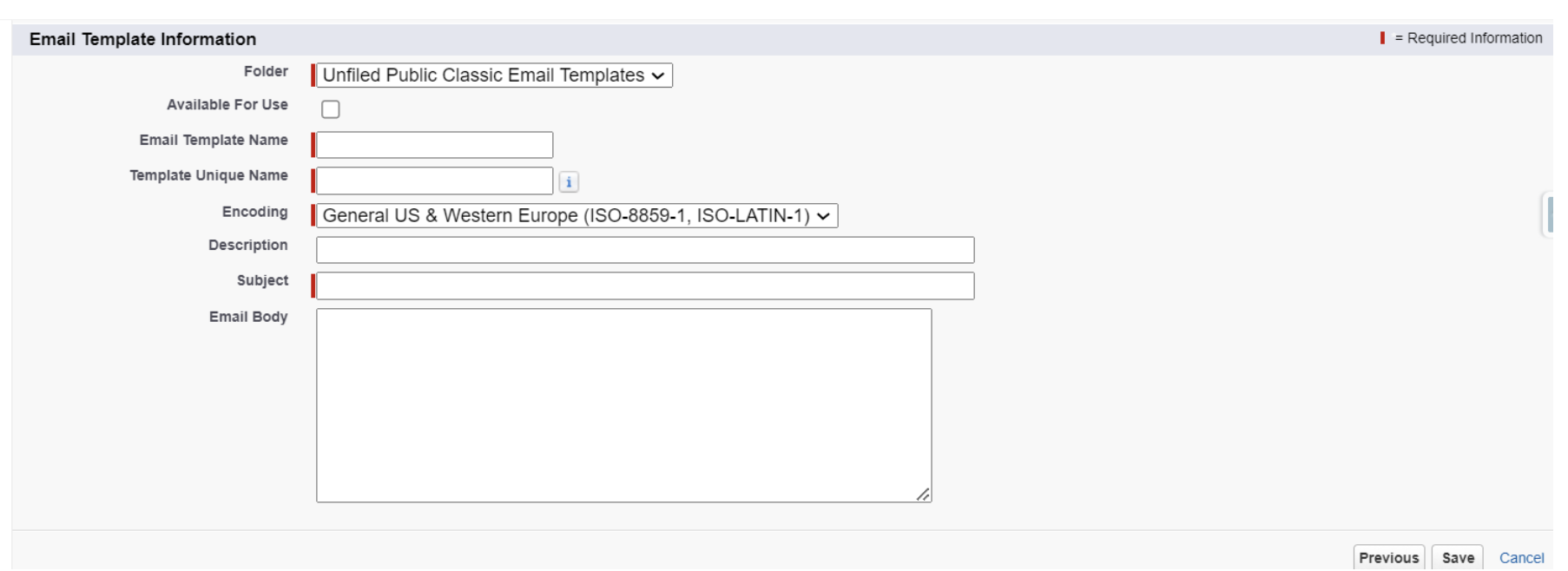
d) We can use the merge field option for Email Body to use field reference.
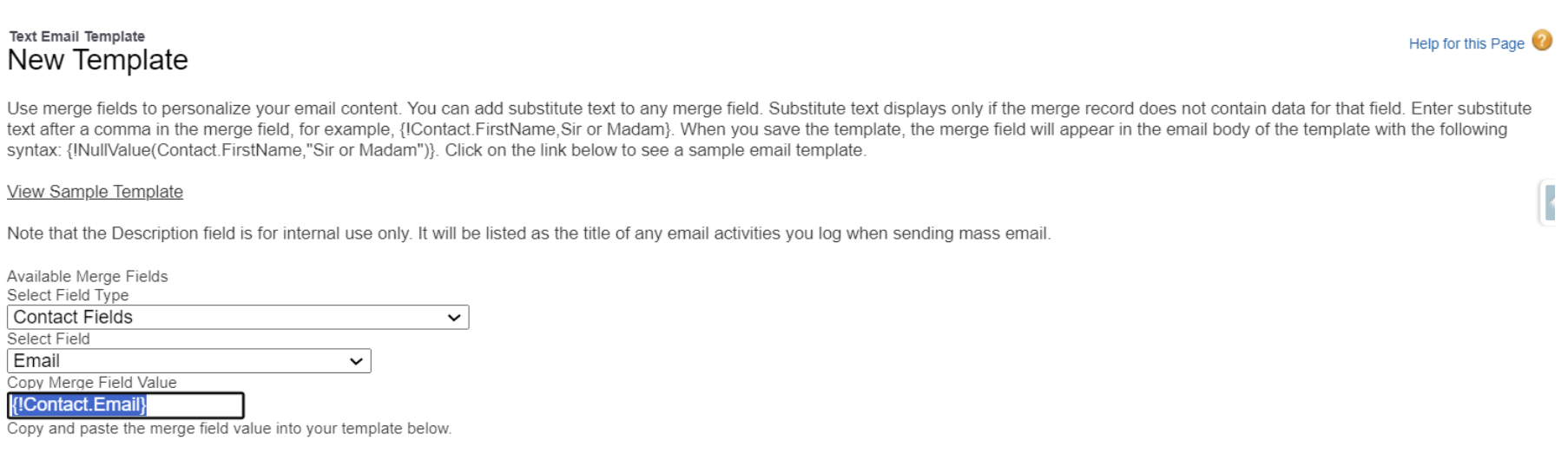
Step2: Email Alert : An email alert is an email generated by an automated process and sent to the designated recipients. The action consists of the standard text and the list of recipients. You can use an email alert in an automation, such as a flow, approval process, or entitlement process.
a) Go to set up search for Email Alert and click on it.
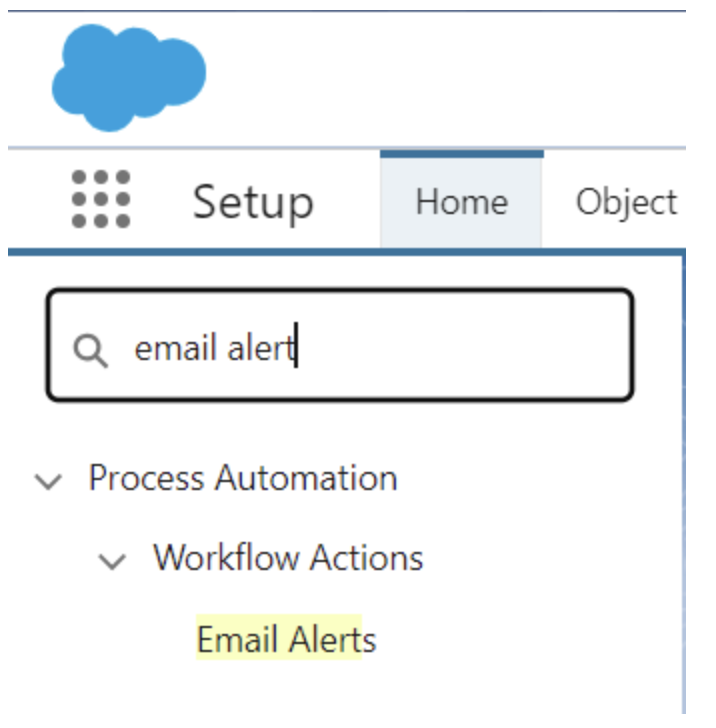
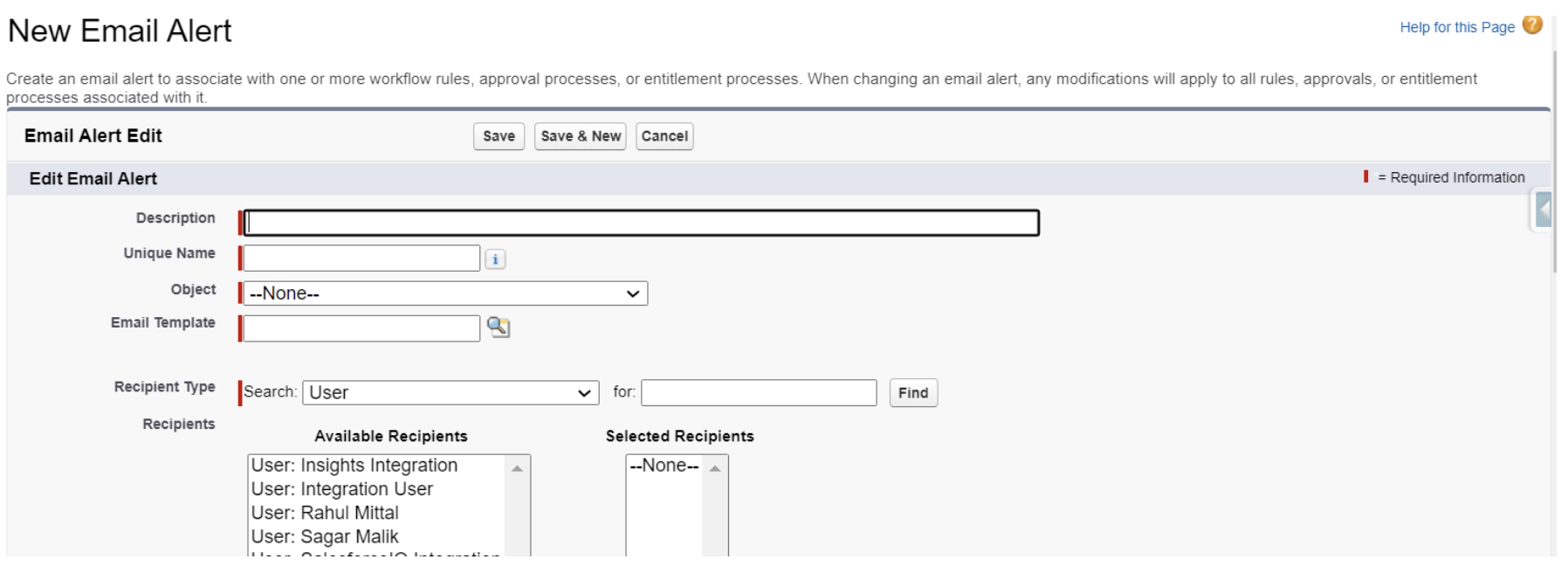
b) Click on “New Email Alert” button and fill the information accordingly
Select Email Template and choose the recipient type.
c) We can also add up to 5 additional email addresses.
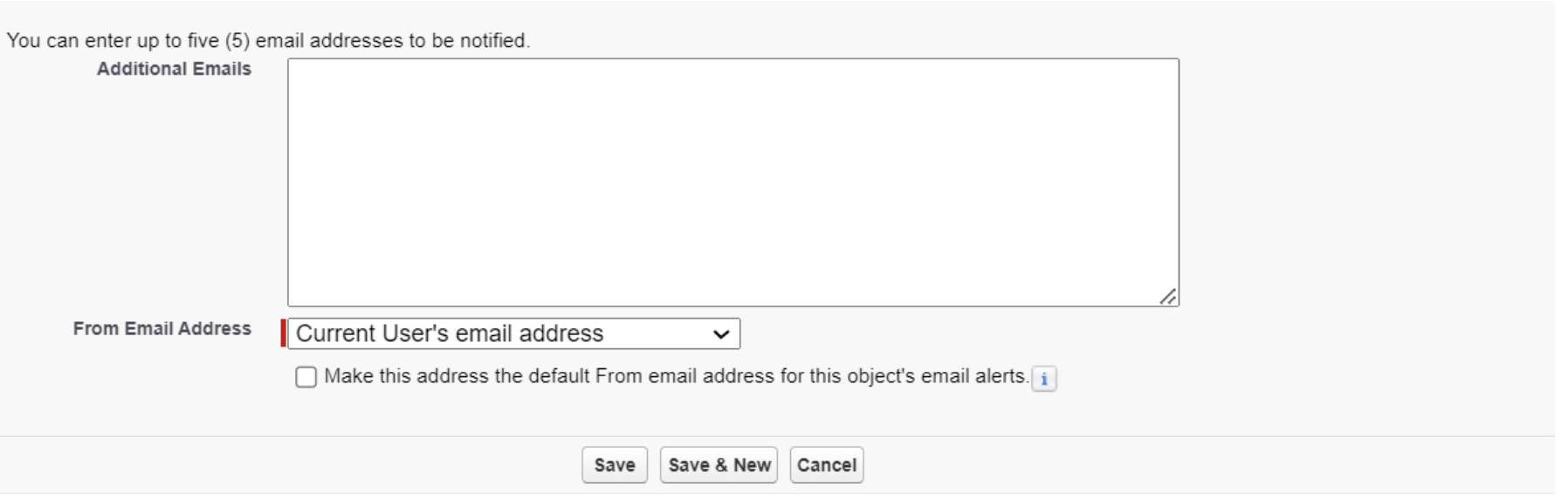
d) Click on Save.
Step3: Flow : Salesforce Flow is a point and click automation tool provided by salesforce to automate complex business processes.
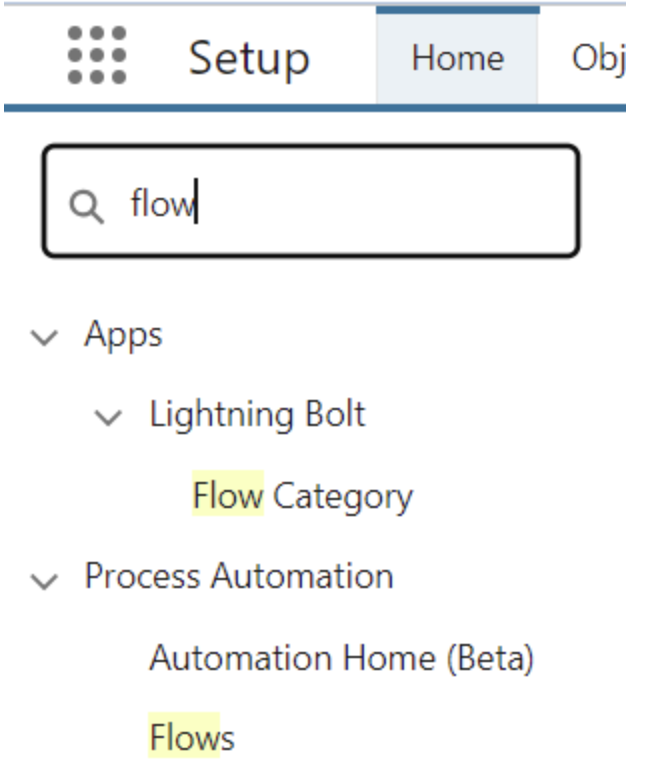
a) Go to set up and search for “Flows” in the Quick find box and click on it.
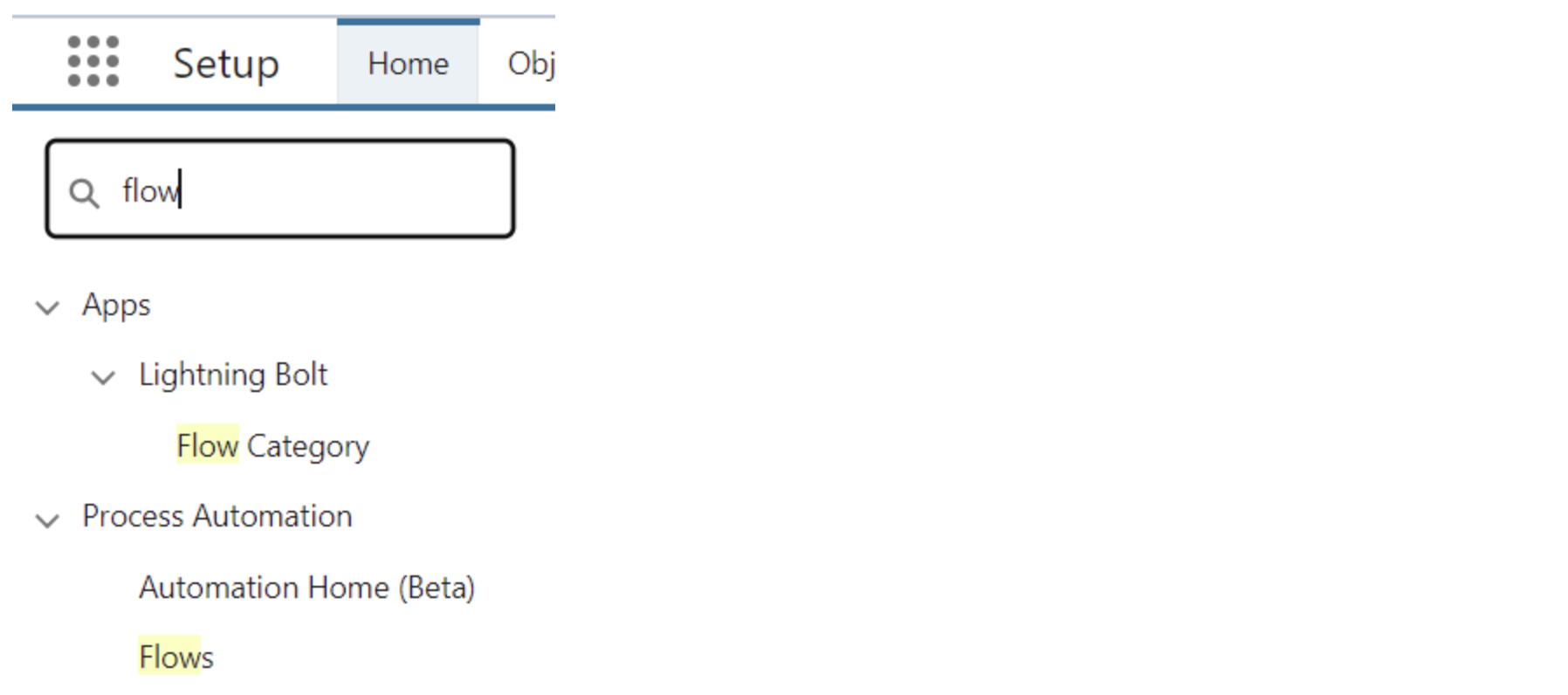
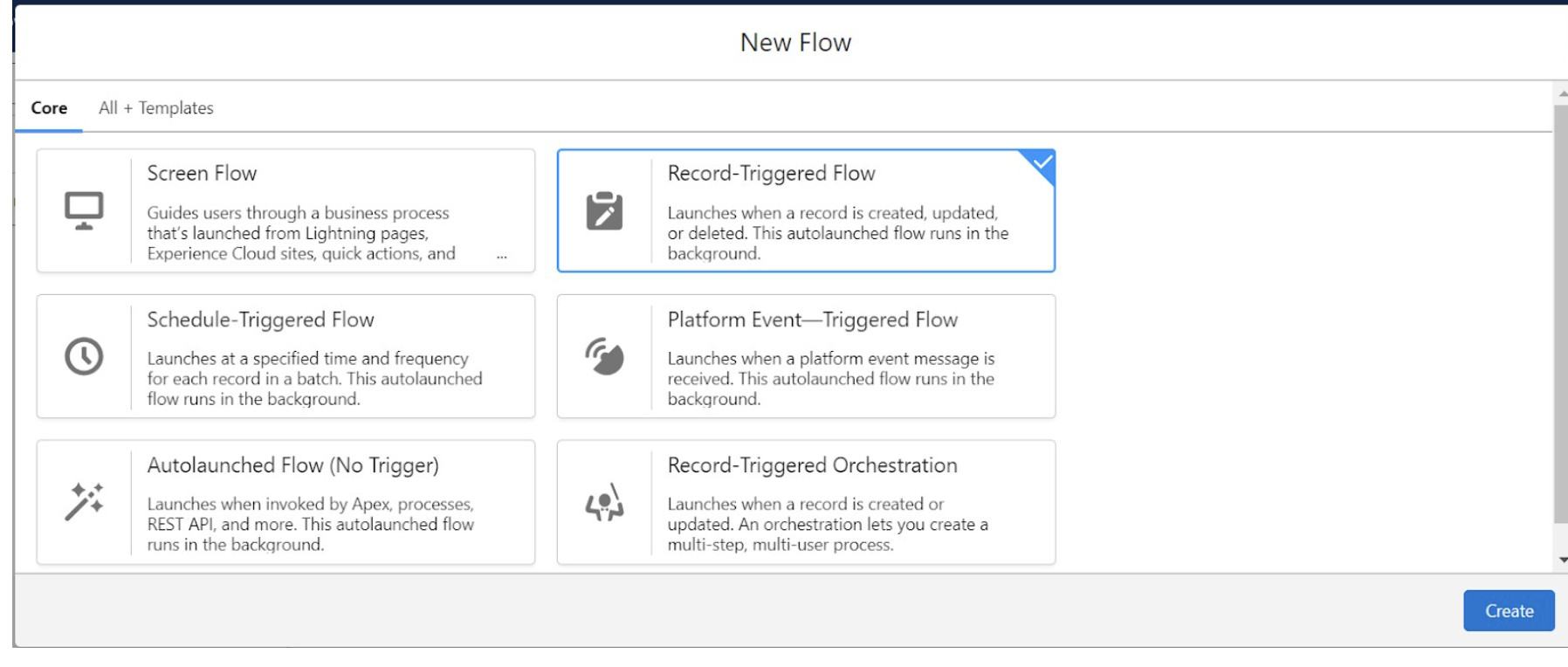
b) Click on the “New Flow” button and choose Record-Triggered Flow , click on “Create”.
c) Select Object and choose when the flow will be triggered.
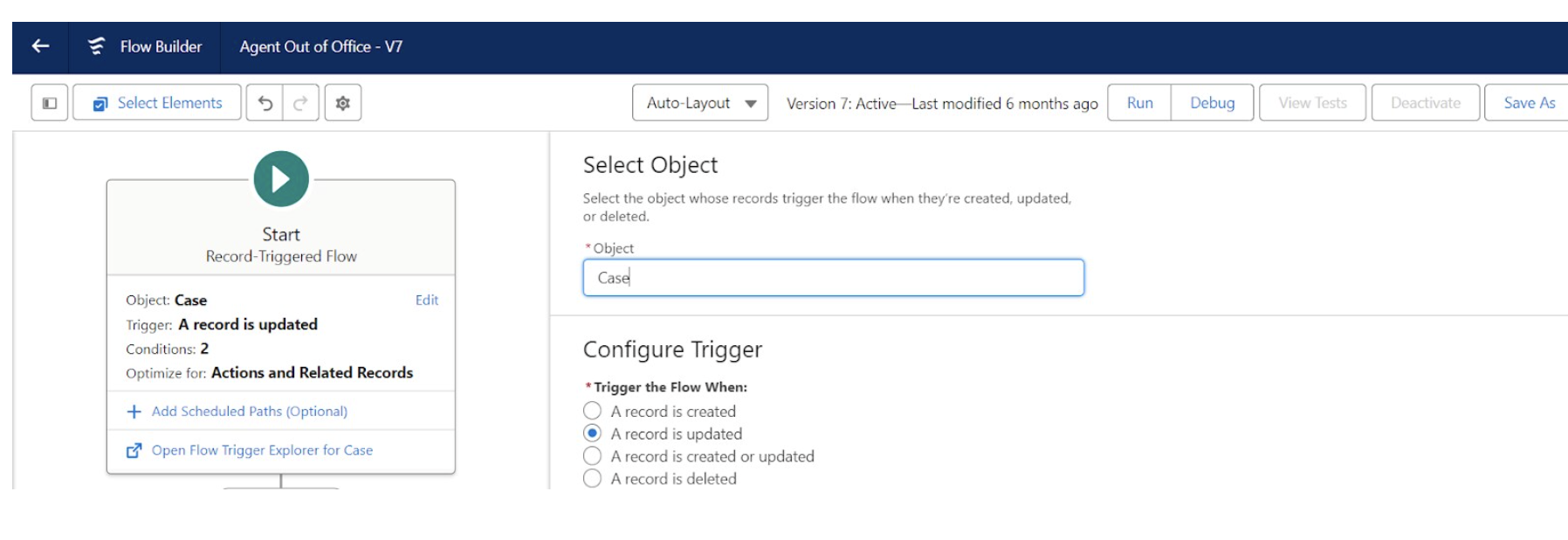
d) Now set the entry condition. Here we will set the condition when the case escalates and the owner Id is changed.

e) Now we will query those users who are Out of Office using the “Get Records” element, give a suitable name for “Label” , choose “OutOfOffice” Object and use the following conditions in the “filter records" section.
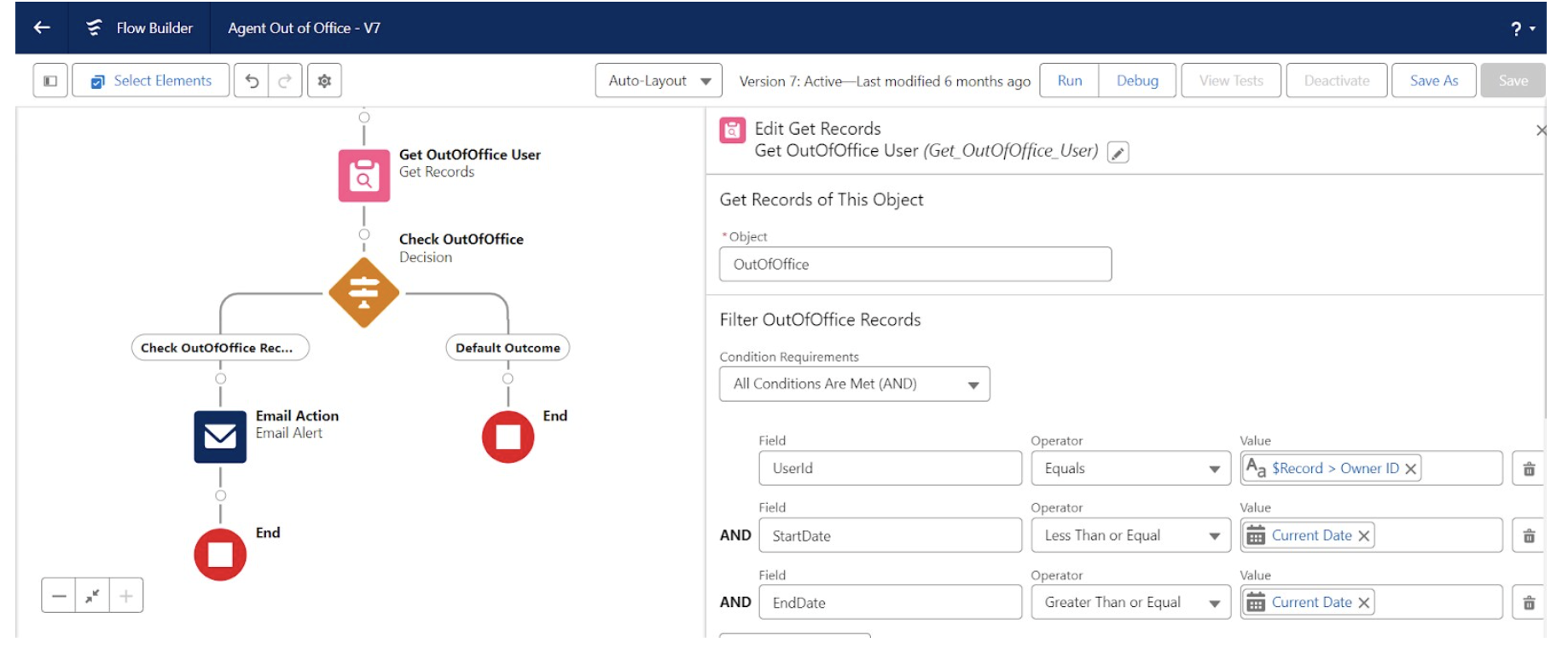
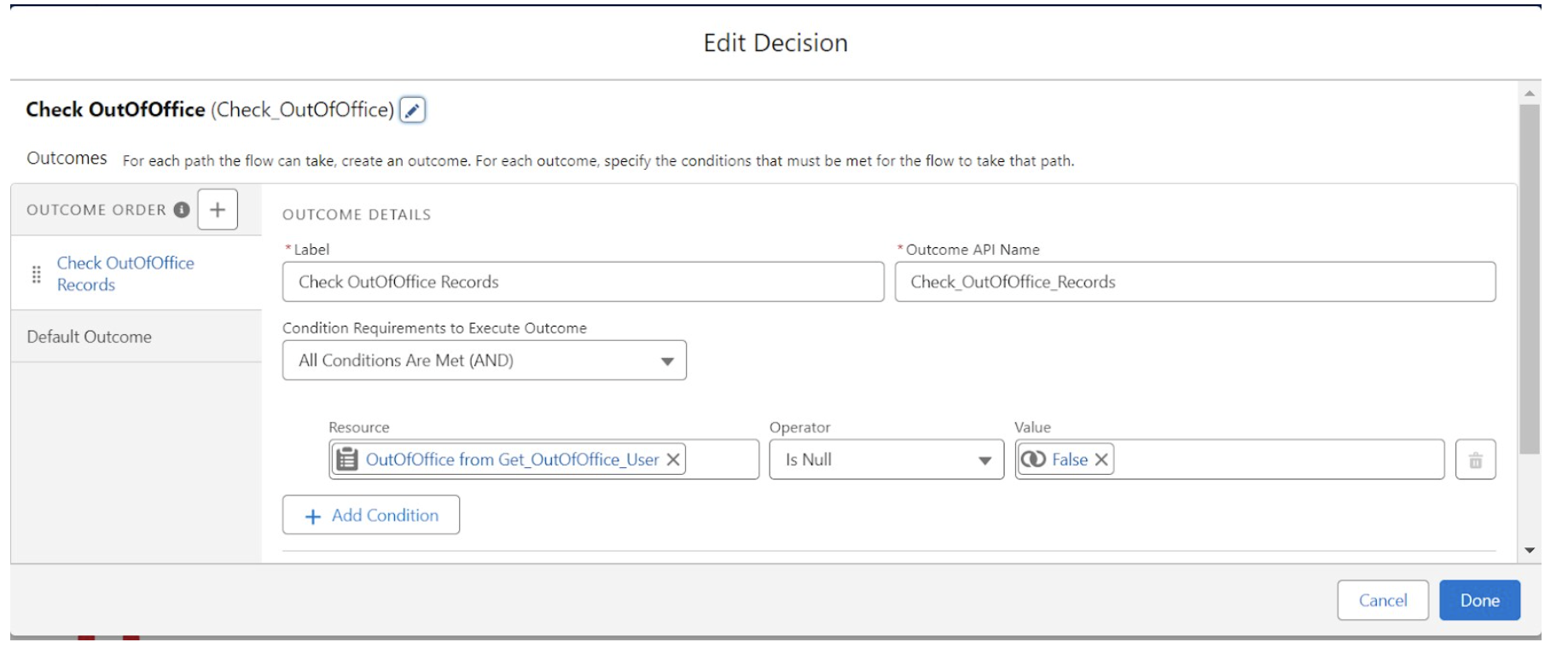
f) Using the Decision element we will make sure there is no “Null Pointer Exception”.
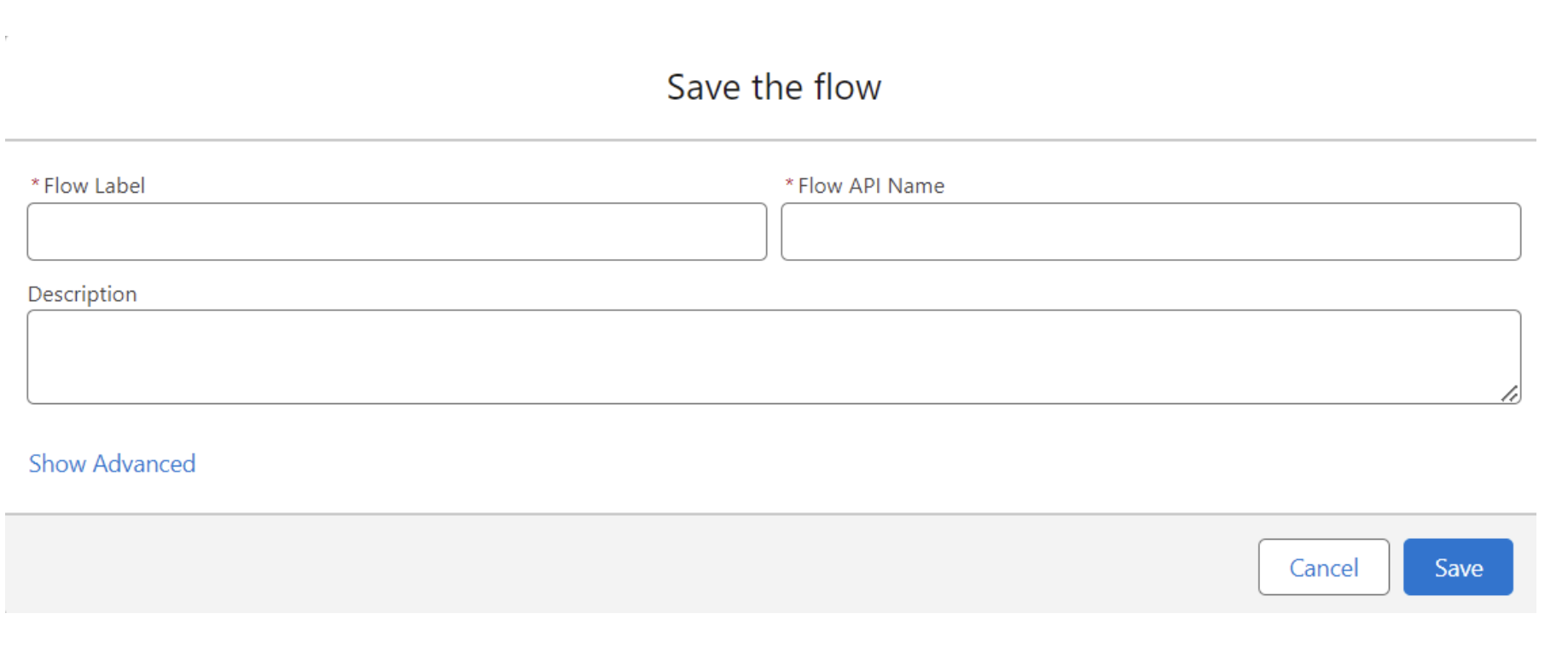
g) Now Save the flow and give it a Label.
Summary
After following this blog you should be able to send email notification when an escalated owner is Out Of Office and you should also be able to know more about Salesforce Email Alert and Flows. In a nutshell, the blog empowers Salesforce users to enhance communication, distribute work effectively during vacations, and boost team efficiency.
Additional Resource





.png)
